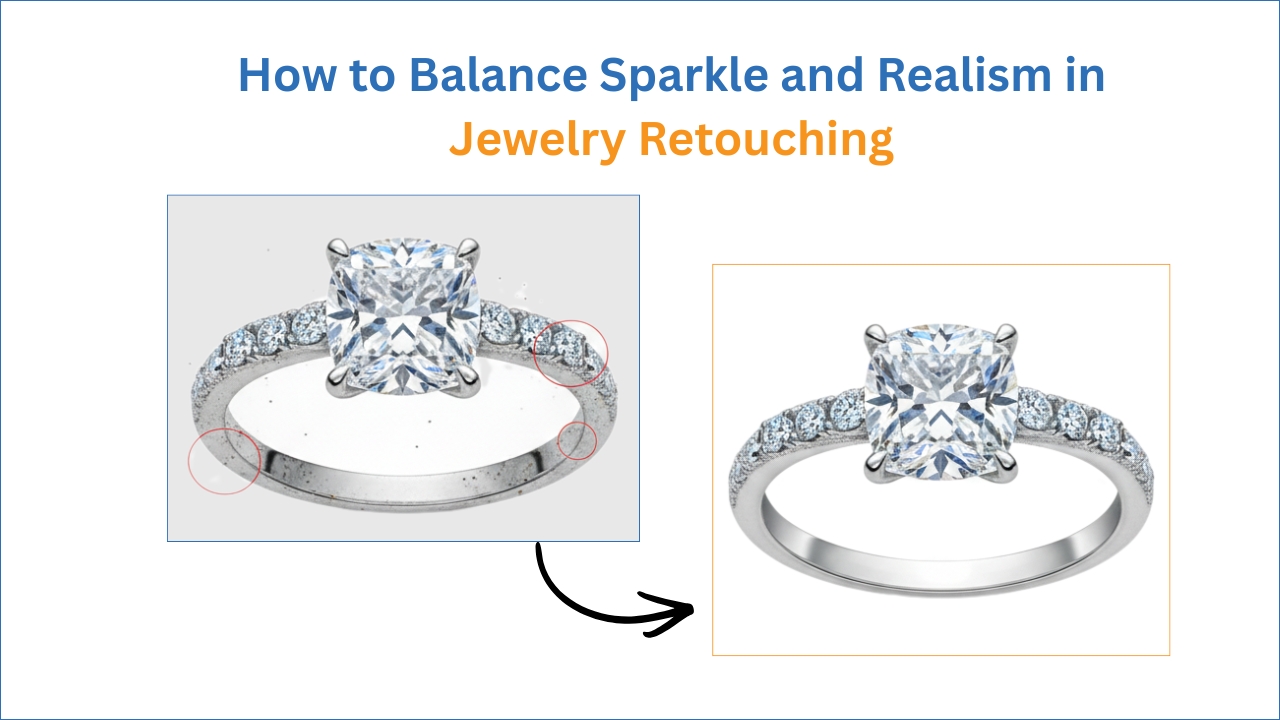
How to Balance Sparkle and Realism in Jewelry Retouching
Have you ever seen a jewelry image that looks artificial or fake? One that has diamonds that look like they are glowing in the dark and gold that looks as


Have you ever seen a jewelry image that looks artificial or fake? One that has diamonds that look like they are glowing in the dark and gold that looks as
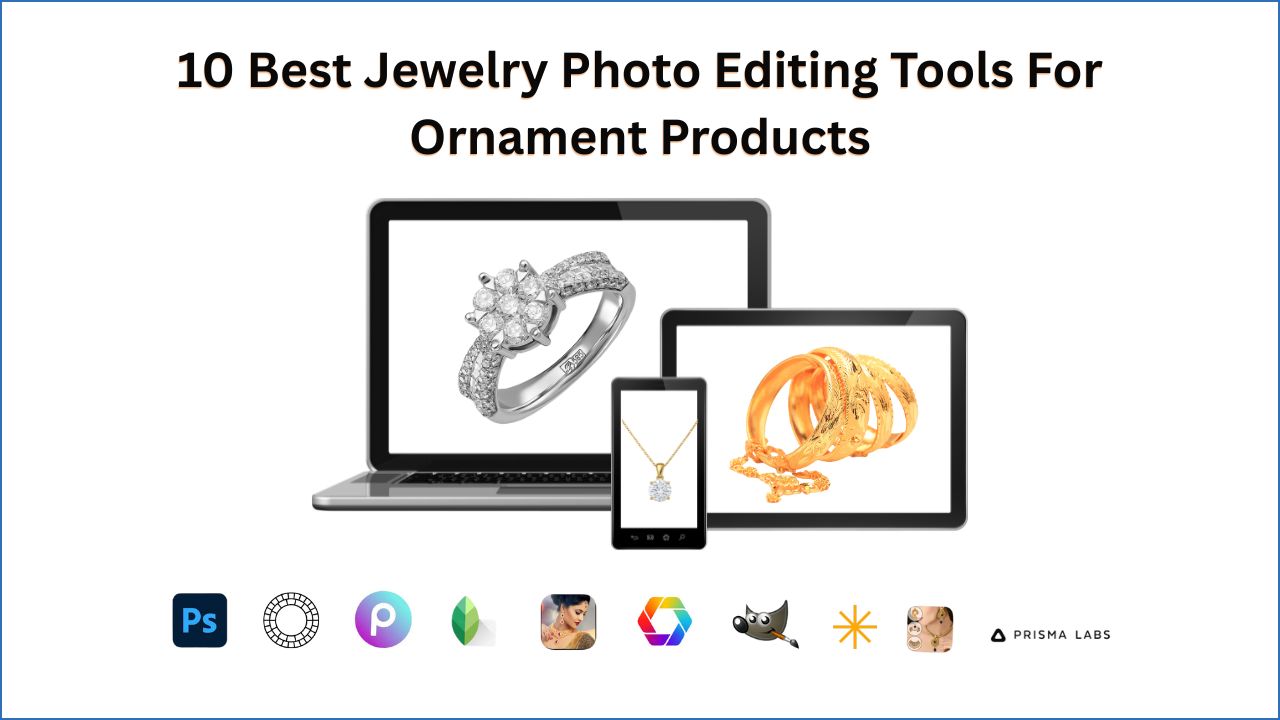
In the world of e-commerce, jewelry photography plays a pivotal role in captivating the attention of potential buyers and driving sales. High-quality jewelry photos can transform a simple online listing

A raw photo can be great. But it can always be better. Small edits like changing the brightness or shadow can make a picture look much more professional. A raw
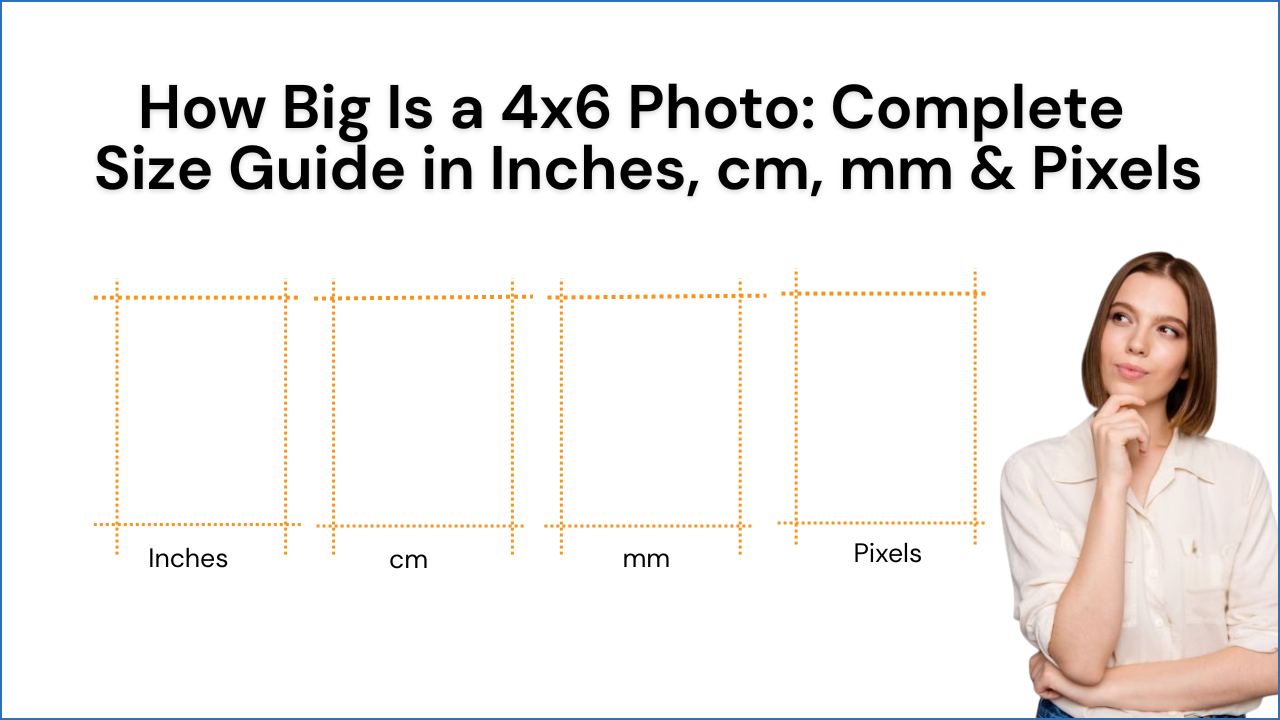
4×6 photo sizes are the most popular and highly used, and one of the most standard photo sizes. It’s highly connected with our daily lives; we use 4×6 size for
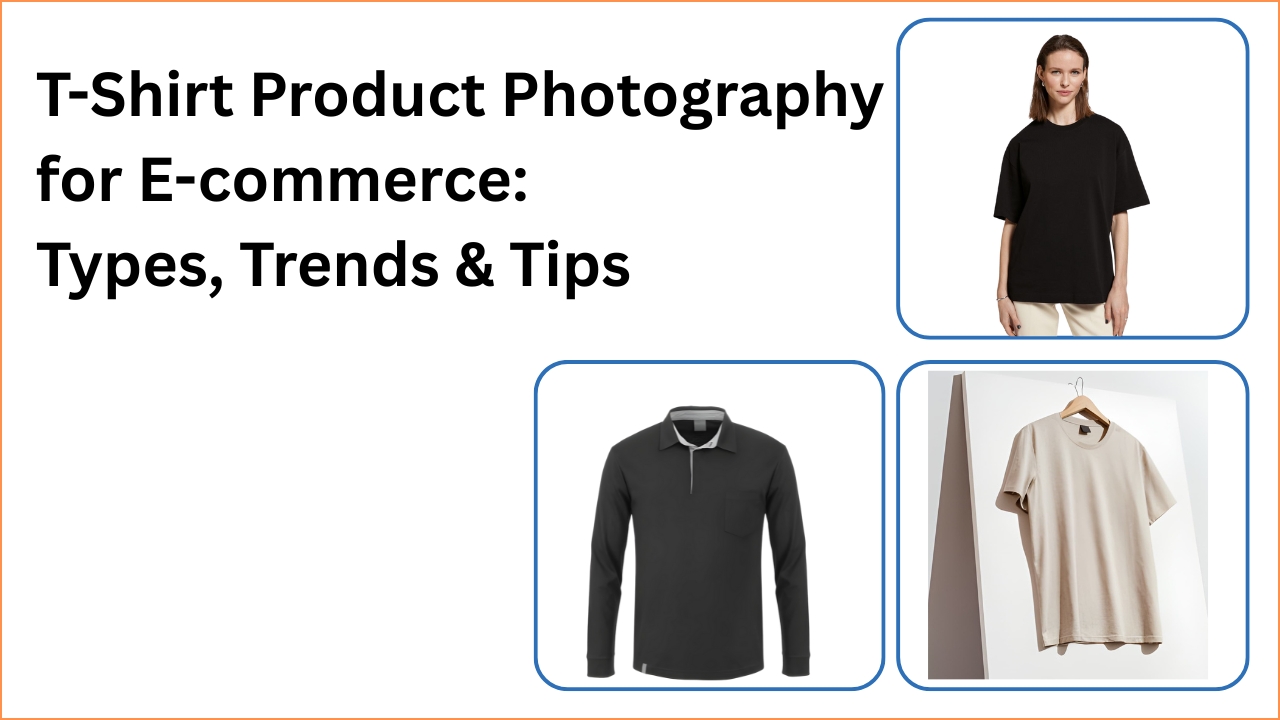
High-quality t-shirt product photography increases your product sales. As an e-commerce owner, small brand, fashion startup, or creative apparel seller, appealing t-shirt product images are essential. The T-shirt market is
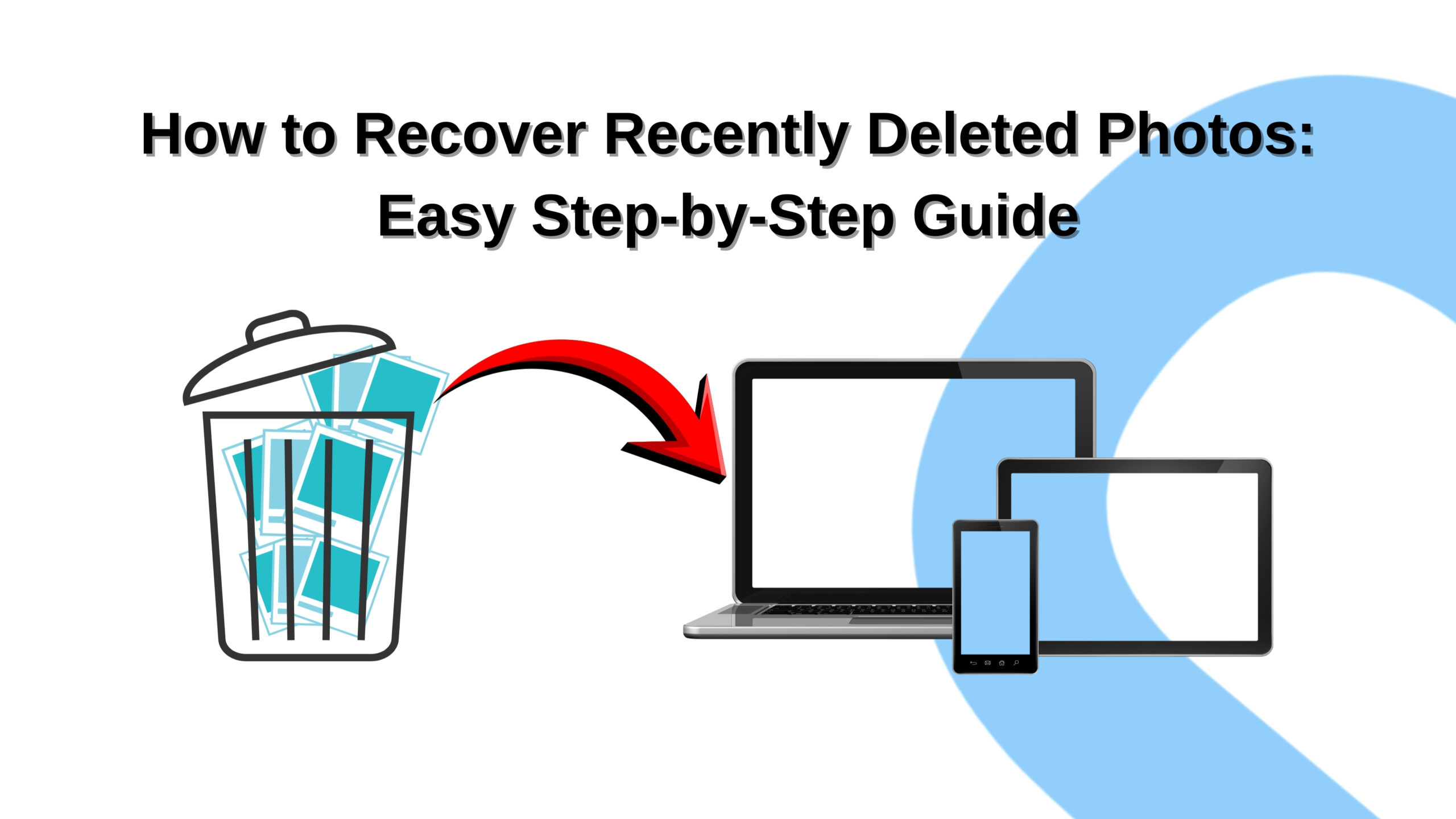
It’s the worst feeling in the world when you notice a special photo is gone. When you lose a photo, you lose more than just a file. You are losing
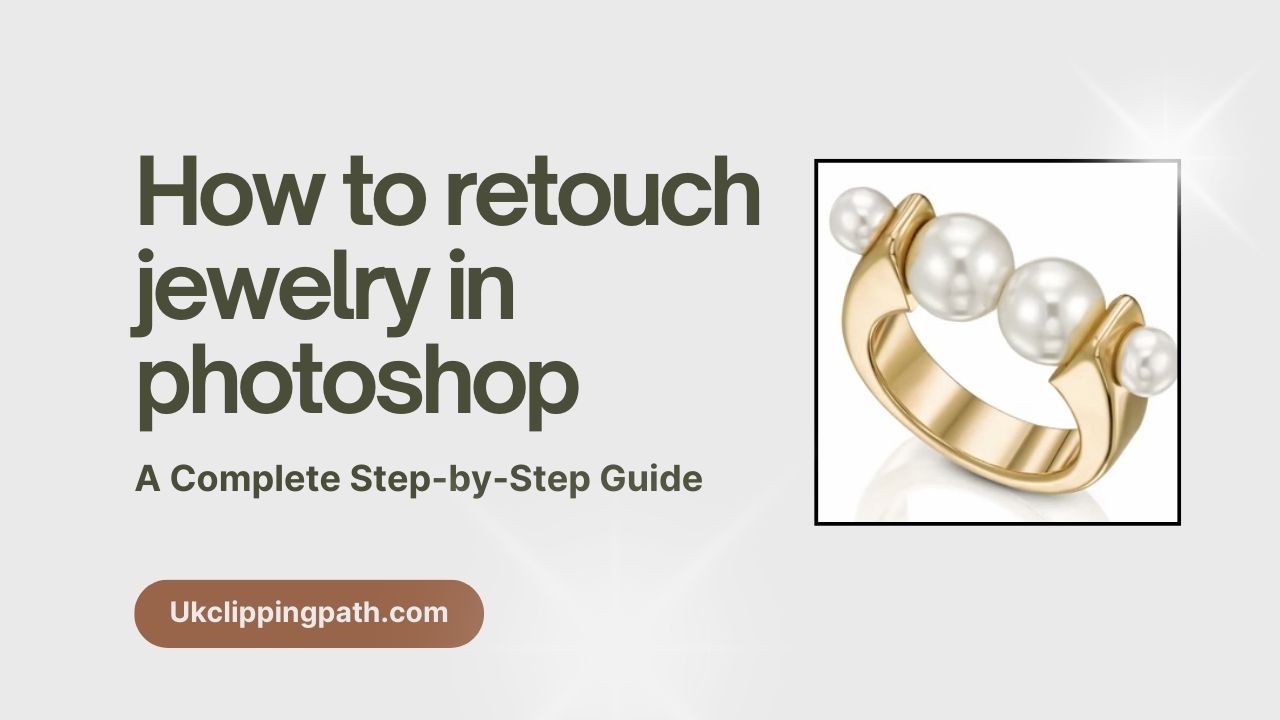
Jewelry photos should look perfect. A great photo sells the product. A bad photo can make even an expensive piece look cheap. That is why editing is so important. Taking
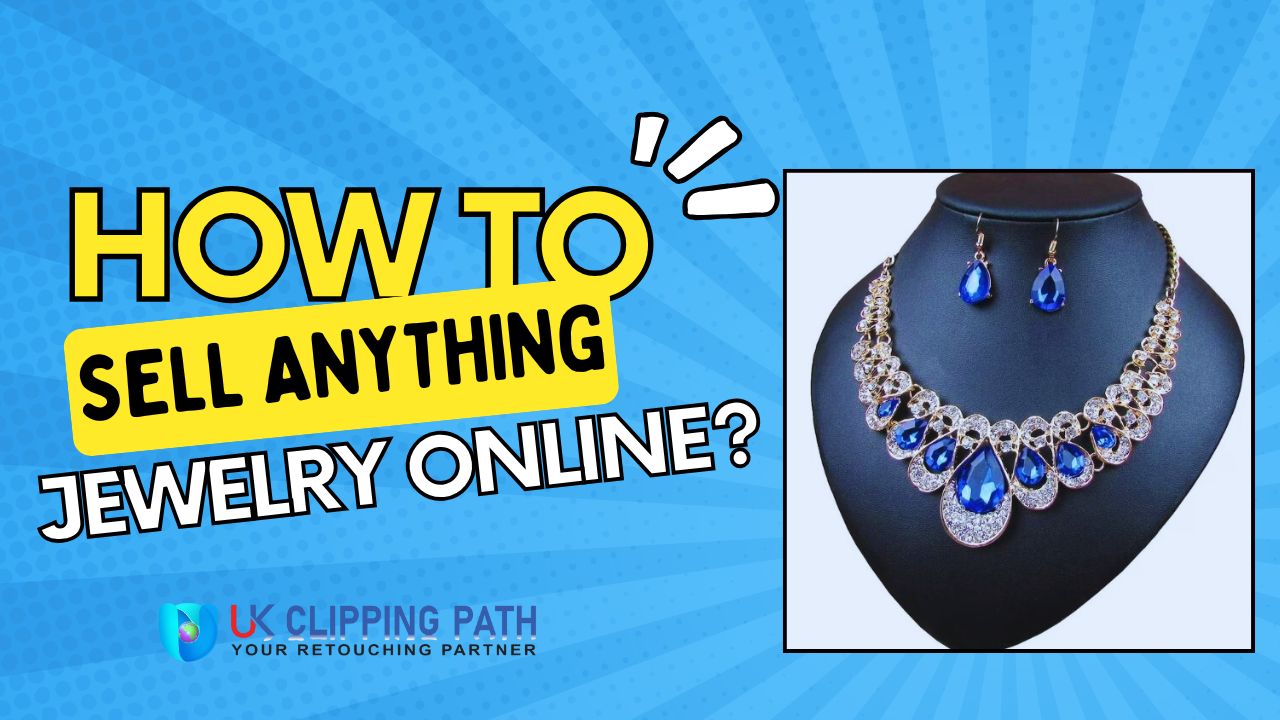
Selling jewelry online may feel fun, yet scary at the same time. The good news is that you can build a store, get buyers there, and grow your brand with
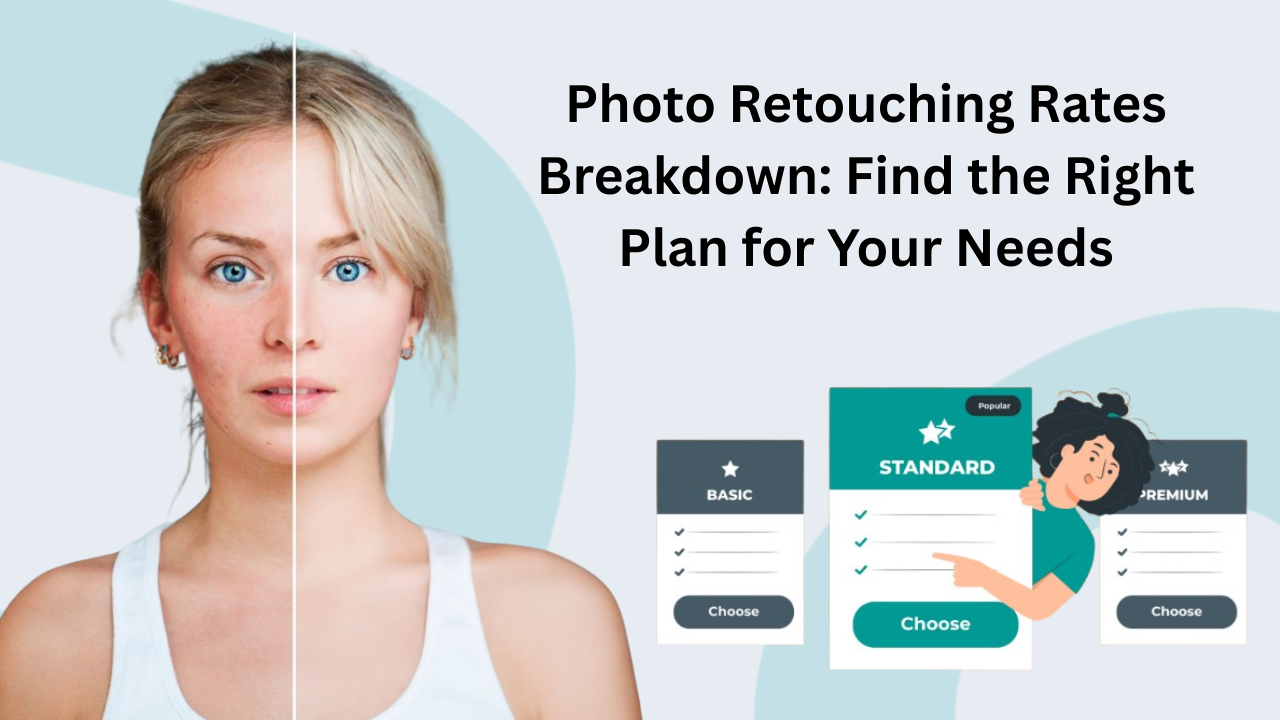
Are you trying to make your photos look amazing? Maybe you have pictures for your online store, or perhaps you are a photographer. You want them to look professional, but

Do you want to turn your photos into amazing art? This is where Photoshop actions magic comes to the rescue. Simply click once, and you will use a special playback
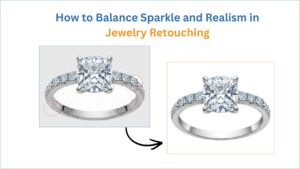
Have you ever seen a jewelry image that looks artificial or fake? One that has diamonds that look like they are glowing in the dark and gold that looks as smooth as glass? Sparkle does sell, but too much can have your customers wondering if it’s the real thing. Too
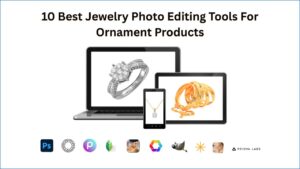
In the world of e-commerce, jewelry photography plays a pivotal role in captivating the attention of potential buyers and driving sales. High-quality jewelry photos can transform a simple online listing into an irresistible temptation, showcasing the exquisite details, brilliance, and elegance of each piece. However, capturing the true essence of
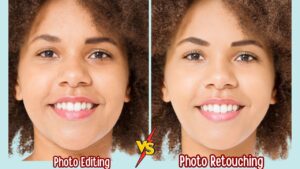
A raw photo can be great. But it can always be better. Small edits like changing the brightness or shadow can make a picture look much more professional. A raw photo often lacks the depth and spark of a good product image. You know the picture should be great, but
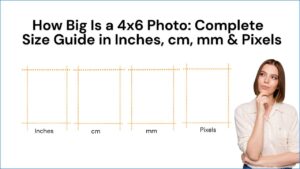
4×6 photo sizes are the most popular and highly used, and one of the most standard photo sizes. It’s highly connected with our daily lives; we use 4×6 size for family photos, travel snapshots, weddings, postcards, and others. Have you ever wondered how big a 4×6 photo is? If yes,
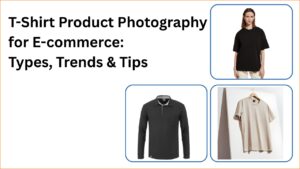
High-quality t-shirt product photography increases your product sales. As an e-commerce owner, small brand, fashion startup, or creative apparel seller, appealing t-shirt product images are essential. The T-shirt market is expanding day by day. From credence research, the market value of t-shirts is 185.2 billion in 2024, and based on

It’s the worst feeling in the world when you notice a special photo is gone. When you lose a photo, you lose more than just a file. You are losing a slice of a memory. You start tapping through your gallery, and it just isn’t there, and it feels as
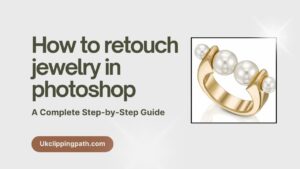
Jewelry photos should look perfect. A great photo sells the product. A bad photo can make even an expensive piece look cheap. That is why editing is so important. Taking the photo is just half the job.The other section is creating them look good in Photoshop. In this tutorial, you’ll
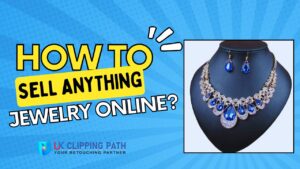
Selling jewelry online may feel fun, yet scary at the same time. The good news is that you can build a store, get buyers there, and grow your brand with the right plan. Jewelry is one of the best products to sell because it’s personal, emotional, and always in demand.

Are you trying to make your photos look amazing? Maybe you have pictures for your online store, or perhaps you are a photographer. You want them to look professional, but you also need to think about the cost. Understanding photo retouching rates is the key. When you know how prices

Do you want to turn your photos into amazing art? This is where Photoshop actions magic comes to the rescue. Simply click once, and you will use a special playback of instructions to get cool drawing and sketching styles in an instant. In this tutorial, we will walk you through