

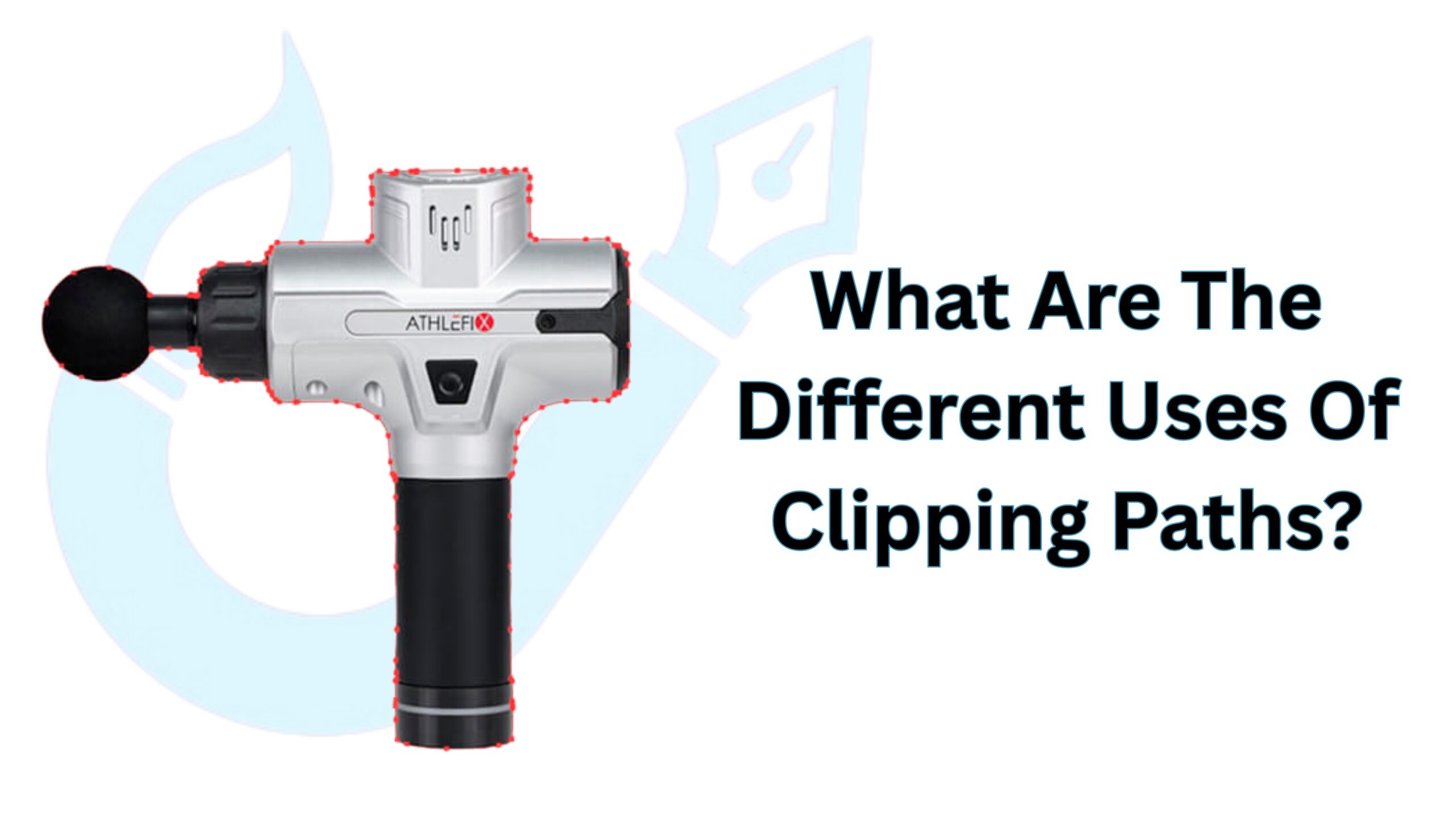
As an editor, everyone must know the different uses of clipping paths. If you’ve ever worked with images in Photoshop, you’ve probably come across the clipping path tool, a vector graphics tool that lets you draw an object and isolate or modify it as needed.
Anything inside the clipped area can be isolated and moved around, and outside areas can be changed as well.
Clipping paths can be used for a variety of tasks, such as background removal, color correction, specific area selection, image retouching, and more. This article is for you if you are new to the clipping path industry.
In this article, I’ll go over the definition of clipping paths, the advantages of using this method, and how clipping paths are used in photo editing. So, without further ado, let’s dive right in and take it one step at a time.
What Is Clipping Path?

Using the pen tool, a clipping path is a Photoshop technique for removing unwanted backgrounds or objects from an image.
In most cases, the clipping path provider wraps the product or object in the clipping path, cuts it out, and replaces it with a clean background or saves it as a transparent background.
In other words, a clipping path is a Photoshop way to remove unwanted elements from an image.
The clipping path technique works well when the image contains straight lines with crisp and clean edges. For complex products with many colors or parts, editors use a multi-clipping path to control each section separately.
Types Of Clipping Path
Not all images are the same. Some are simple, and some are very detailed. To handle different images, editors use different types of clipping paths.
Each type is made for a specific kind of object or photo. Knowing these types helps you get better results and cleaner images.
Single Layer Clipping Path

Single-Layer Clipping Path, also called the simple clipping path, involves the use of pen tools in Photoshop to create paths in the same layer of an image.
This is the simplest and most fundamental method for removing or changing an image’s background.
Multi-clipping path

Multi-clipping paths, also called medium clipping paths, can be created using hand tools in Photoshop.
A multi-clipping path can be used to change the background or a specific portion of an image. A multi-clipping path is typically used when an image contains two or more subjects.
Complex clipping paths

The complex clipping paths technique is used when an image has a lot of edges and complex objects, as the name suggests.
This method is typically used for products with a lot of edges, curves, and complex elements, such as jewelry.
Benefits Of Clipping Path
Clipping path techniques have numerous advantages. Clipping paths make your images look clean, sharp, and professional. They help your products stand out and attract more attention from customers.
Simply put, if you have a storefront on the street, you will undoubtedly want to decorate it tastefully.
If I’m not mistaken, you want it because customers always prefer the store that appears to be cleaner and more decoratively organized. The same thing happens in an online store, which is heavily reliant on high-quality, engaging images.
Using clipping paths ensures that all your images have a consistent look. This builds trust and strengthens your brand.
Clear and neat images also make it easier for customers to make buying decisions, which can increase sales.
Clipping paths save time and money, especially when you have many images to edit. They let you reuse images across websites, social media, catalogs, and ads without losing quality.
By improving the look of your photos and making your workflow faster, clipping paths help your business grow and make a strong impression on customers.
Additional expert guide: Learn How To Create A Clipping Path In Photoshop
Different Uses Of Clipping Path
Clipping paths are used in many ways to make images look clean and professional. They help products, photos, and designs stand out online and in print.
Understanding the different uses can help you choose the right method for your images.
Background removal
The most important and necessary part of clipping paths or image editing is background removal.
Whether you sell magazines, books, jewelry, furniture, or any other products online, you must go through the background removal process to focus on your products. The clipping path is essential for removing a product image’s background.
Color Correction
When it comes to commercial image use, color is the most important factor to consider. Taking shots, on the other hand, does not always result in the right color combination. Using the clipping path tool, you can represent your brand value with the right color.
Whether you’re changing the color of the entire image or just a portion of it, you’ll need to draw paths and make changes as needed. You can also change the color to suit your needs. Color correction is, without a doubt, the most important application of clipping paths.
Uses of Multi-Clipping Path
When you need to make changes to your images in a variety of places, multi-clipping paths make it very simple to do so.
A medium clipping path, as previously stated, allows you to create multiple clipping paths and change every portion that has been selected according to your needs.
Image Retouching
Image retouching is one of the most common uses of clipping paths, which is something that every e-commerce owner, photographer, and online retailer is familiar with. Amazon, eBay, and Walmart, among the most well-known eCommerce behemoths, all require retouching and uploading of images.
It turns out that in order to attract more customers, create positive impressions, and build your brand, you need to go through image retouching. And you can do it with a simple image editing process thanks to the clipping path.
Ghost Mannequin Effect
The ghost mannequin effect is widely used in the fashion and apparel industry. It helps show how clothes fit without displaying a model or mannequin. Using clipping paths, editors remove the mannequin and merge the front and back of the clothing.
This creates a clean, 3D look that makes the product more appealing to buyers. Ghost mannequin images look professional and help customers understand the shape and style of the clothing.
Boost Your Brand with Clipping Paths
At UK Clipping Path, we believe clipping paths are essential for creating clean, professional, and high-impact product images. They help businesses present their products in the best possible way by enabling precise background removal, color correction, image retouching, and advanced effects like ghost mannequin.
Our professional clipping path service not only enhances visual quality but also improves workflow efficiency by saving time and reducing editing errors, especially for bulk image processing. We ensure consistency across all images so your brand maintains a strong and trustworthy visual identity.
With expert care and attention to detail, UK Clipping Path delivers images that are fully optimized for e-commerce stores, catalogs, and advertising platforms. In short, our clipping path solutions help your business stand out and make a lasting impression on your customers.
Conclusion
Clipping paths make your images look clean and professional. They help your products stand out and look more attractive. You can use them to remove backgrounds, fix colors, retouch photos, or create the ghost mannequin effect. Each method has a clear purpose.
Clipping paths also save time and reduce mistakes when editing many images. They make your brand look consistent and trustworthy. Using these techniques carefully ensures your images are ready for websites, catalogs, or ads. In short, clipping paths make every photo work better for your business and your customers.
FAQs
What is a clipping path, and why should I use it?
A clipping path is a line drawn around an object in a photo to separate it from the background. Editors use it to make images clean, professional, and ready for websites, catalogs, or ads.
How does a clipping path improve product images?
Clipping paths remove unwanted backgrounds and fix colors, making images look consistent and attractive. This helps products stand out and builds trust with customers.
What are the different types of clipping paths?
The main types are simple clipping paths, multi-clipping paths, and complex paths for retouching. Each type is used depending on how detailed or large the image is.
What is the ghost mannequin effect, and when should I use it?
The ghost mannequin effect removes mannequins from clothing photos to show the shape and fit of the product. Fashion and apparel images should give a 3D, professional look.
How does clipping path save time and improve workflow?
Clipping paths make editing faster and reduce mistakes. Editors can work on many images at once while keeping them consistent, which saves time and costs.